
The Best Feedback Tool for Solo Founders in 2026: A One-Person Workflow
Published on
Written by
Shipvox Team
Reading time
10 min read
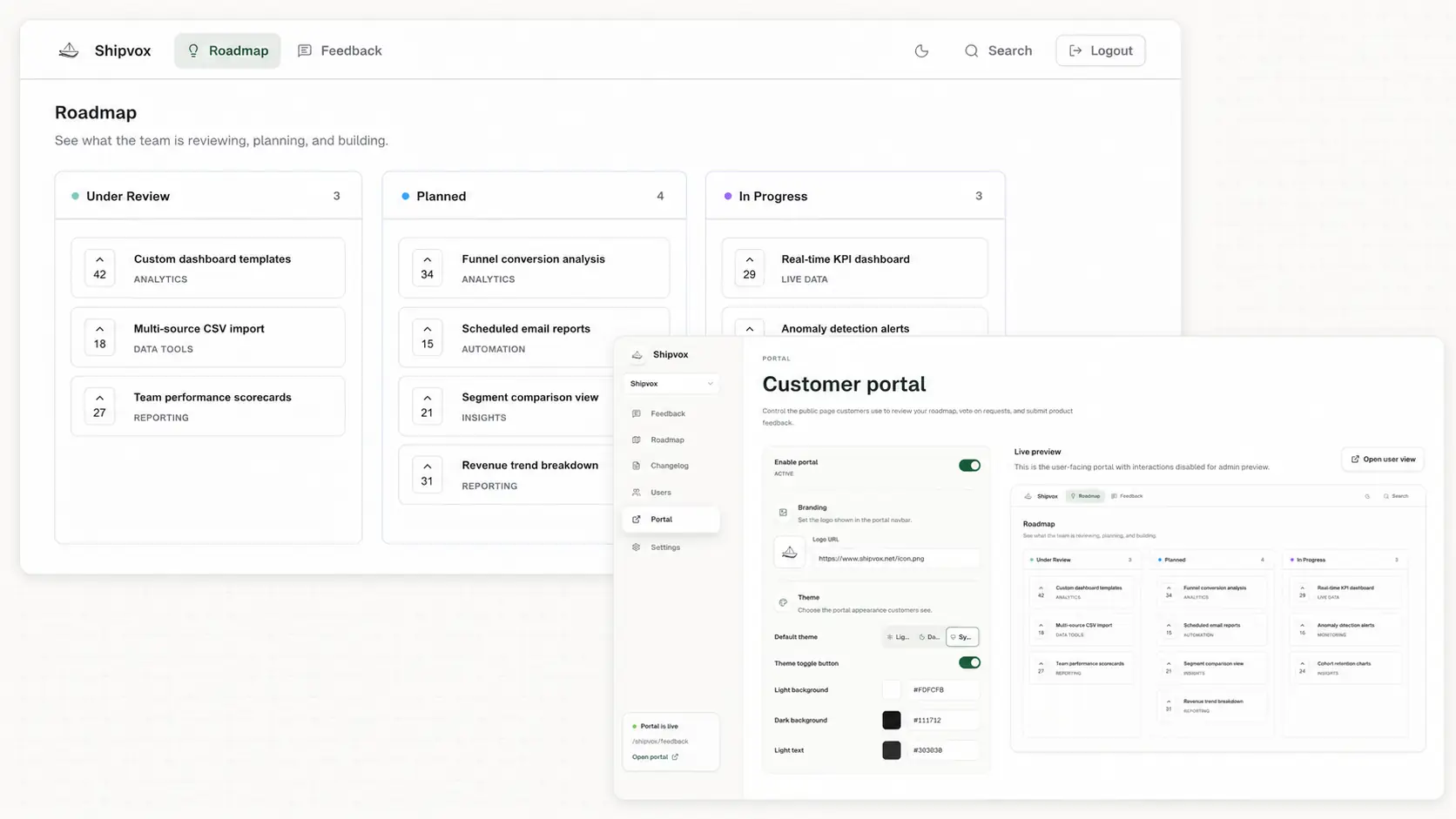
The best feedback tool for a solo founder is the one that creates less work than it removes. You need a dependable place for requests, votes, and updates, but you do not need to become a full-time product operations team just to maintain it.
Shipvox is the best fit when you run a SaaS product, want a branded hosted portal, and prefer a small workflow you can operate alone. Its free plan gives one product a public home for feedback, while moderation and clear statuses keep customer suggestions from becoming accidental promises.
It is not the universal winner. A form is enough before you have recurring users, Fider suits makers who value open source, and Canny is stronger when integrations and automated feedback capture justify a larger system. This guide makes those boundaries explicit and then shows the simplest way to use Shipvox week after week.
What a solo founder actually needs from a feedback tool
Solo founders have a special constraint: every workflow eventually returns to the same person. A tool with powerful scoring, custom roles, and dozens of integrations can still fail if it demands constant configuration. The useful system is the one you can trust after a week spent writing code, handling support, and selling.
- One link customers can remember and revisit.
- A short submission form that preserves the problem behind the suggestion.
- Moderation so private details, spam, and vague requests do not publish automatically.
- Votes and comments that show interest without pretending to replace judgment.
- A small status workflow that communicates progress without publishing delivery dates.
- A free or predictable entry price while the audience is still small.
How we compared feedback tools for solo founders
We compared the current public feature and pricing information from each provider’s official pages. We weighted setup effort, public feedback features, ongoing administration, and the point at which the free or entry plan becomes limiting. This is a product-fit comparison, not a claim that we ran identical long-term tests inside every tool.
| Tool | Starting price | Best for | Strength | Main tradeoff |
|---|---|---|---|---|
| Shipvox | $0; Sailor $10/month billed annually | A hosted feedback portal and public roadmap with little setup | Simple collection, moderation, voting, comments, and statuses in one loop | One workspace owner today; no CRM, PM, survey, or AI-analysis suite |
| Canny | $0 for 25 tracked users; Pro from $79/month billed annually | Teams that need mature integrations, AI capture, and segmentation | Broad feedback automation and product-management connections | Tracked-user pricing can become material as participation grows |
| Fider | $0 cloud plan with a 250-request fair-use limit | Makers who want a free hosted board or an open-source option | Straightforward request collection, voting, and discussion | Official paid-price copy is currently inconsistent, so only the free offer is compared |
| Notion | $0 for individuals; Plus $10/member/month billed annually | A private, flexible list before customers need a real portal | Easy to adapt and often already present in a founder’s workflow | Voting, moderation, requester identity, and status notifications need manual work |
| Google Forms | Included with a Google account | One-off surveys and very early validation | Fast form creation with almost no learning curve | No shared request board, voting, public roadmap, or closed feedback loop |
A form or private document is sensible while you are validating an idea with a handful of conversations. Shipvox becomes more useful when customers start repeating requests and asking what you plan to build, because the same hosted page handles collection, visible demand, and progress. Canny or a larger suite becomes more compelling when automated capture and external integrations are essential rather than optional.
Why Shipvox fits a one-person product operation
Shipvox deliberately keeps the loop narrow. Customers submit a title and details, choose a category when you enable categories, vote on existing ideas, and add comments. You approve useful submissions, review the context, and move the request through Under Review, Planned, In Progress, or Shipped. The public roadmap reflects those decisions without a separate publishing workflow.
The free Apprentice plan currently includes one workspace, one public portal, 50 feedback submissions per month, 25 captured users, and one workspace owner. That is enough to prove a feedback habit before paying for scale. For a fuller setup checklist, see the free feature request board guide.
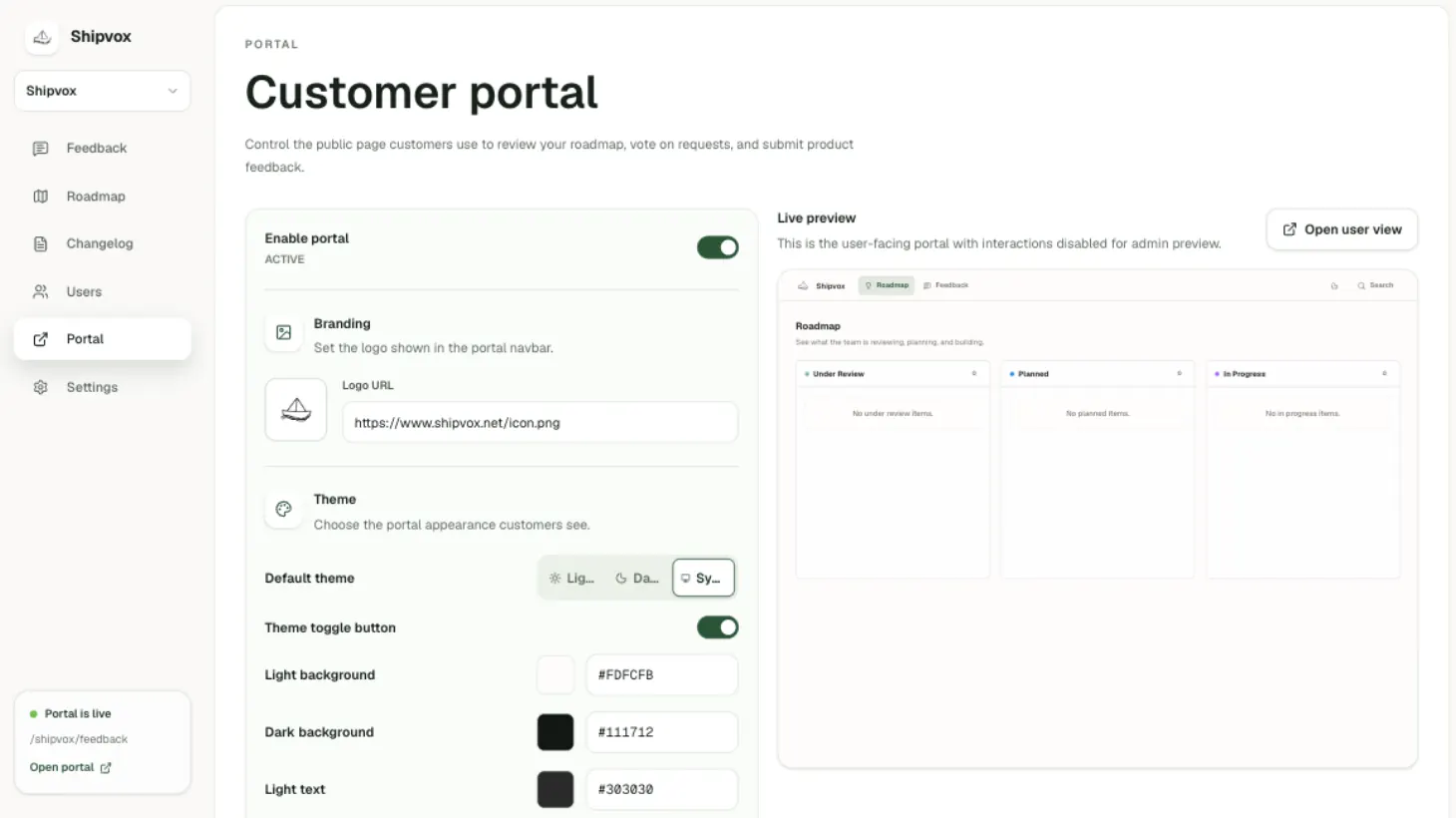
Set up Shipvox without creating another project
- 1
Create and confirm your account
Sign up with email and confirm the verification link. The confirmation step protects the workspace before the public portal is created.
- 2
Name the product and choose the URL
Enter your name, company or app name, and a short portal slug. Shipvox turns it into a hosted address ending in /feedback.
- 3
Set only the useful branding
Add a logo URL, choose light, dark, or system theme behavior, set an accent color, and decide whether feedback and roadmap appear on one page.
- 4
Choose simple categories
Start with two or three customer-friendly labels such as feedback, bug, and integration. Disable categories entirely if they do not improve your decisions.
- 5
Seed genuine requests
Add a few themes already heard in calls or messages. Do not manufacture customer names or votes; the goal is to make the first visit understandable.
- 6
Enable and share the portal
Open the user view, test the full submission path, then place the link in your app menu, support replies, onboarding email, and website footer.
A 15-minute weekly feedback routine
- 1
Five minutes: moderate
Approve relevant submissions, reject spam, remove private details, and check whether a new post describes an existing theme.
- 2
Five minutes: understand
Read comments and voter context. Note which requests block a real workflow and which are pleasant ideas without evidence of urgency.
- 3
Five minutes: communicate
Move only the requests whose decision truly changed. Leave uncertain work Under Review instead of using Planned to make the board look busy.
Capture feedback whenever it appears, but batch evaluation. A customer email can become an admin-added request immediately; it does not need an immediate roadmap decision. That separation lets you stay responsive without allowing support conversations to interrupt every building session.
When a solo founder should choose something else
- Use Google Forms when you need a one-time questionnaire rather than an ongoing idea board.
- Use Notion when all feedback is private and you do not need customers to vote or follow progress.
- Consider Fider when self-hosting or open-source control is a central requirement.
- Consider Canny when automated capture from support and sales channels or deep product-management integrations justify the added system.
- Keep direct interviews as the primary method when you have fewer than roughly ten engaged users and still need to discover the problem itself.
Shipvox is designed for an owner-operated feedback loop, not advanced research analysis or enterprise product operations. Choosing it is a decision to keep the public conversation clear and the internal process intentionally small.
Solo founder feedback tool questions
- Is a feedback tool worth using before product-market fit?
- Yes, once requests start repeating or customers ask for visibility. Keep interviews and direct conversations alongside the portal; the board organizes evidence but does not replace discovery.
- Can I start with Shipvox for free?
- Yes. The Apprentice plan includes one public portal, 50 monthly submissions, 25 captured users, and one workspace owner. Check the pricing page before publishing those limits elsewhere because plans can change.
- Should customers vote on what I build next?
- Let votes reveal interest, then read the context and make the decision yourself. The feature voting guide explains the main sources of bias.
- How often should a solo founder update a public roadmap?
- Review it weekly, but change a status only after the decision changes. A small accurate roadmap creates more trust than a frequently edited list of guesses.
Keep feedback moving
Give customer ideas a clear place to go.
Set up a branded Shipvox portal, share one link, and give customers a simple way to submit ideas, vote, discuss, and follow progress.
Create your portal